Three ways to capture
An area, the frontmost window, or the whole screen under the pointer. Shift squares an area selection and Space moves it. The shortcuts are yours to change.

Menubar screenshots for macOS.
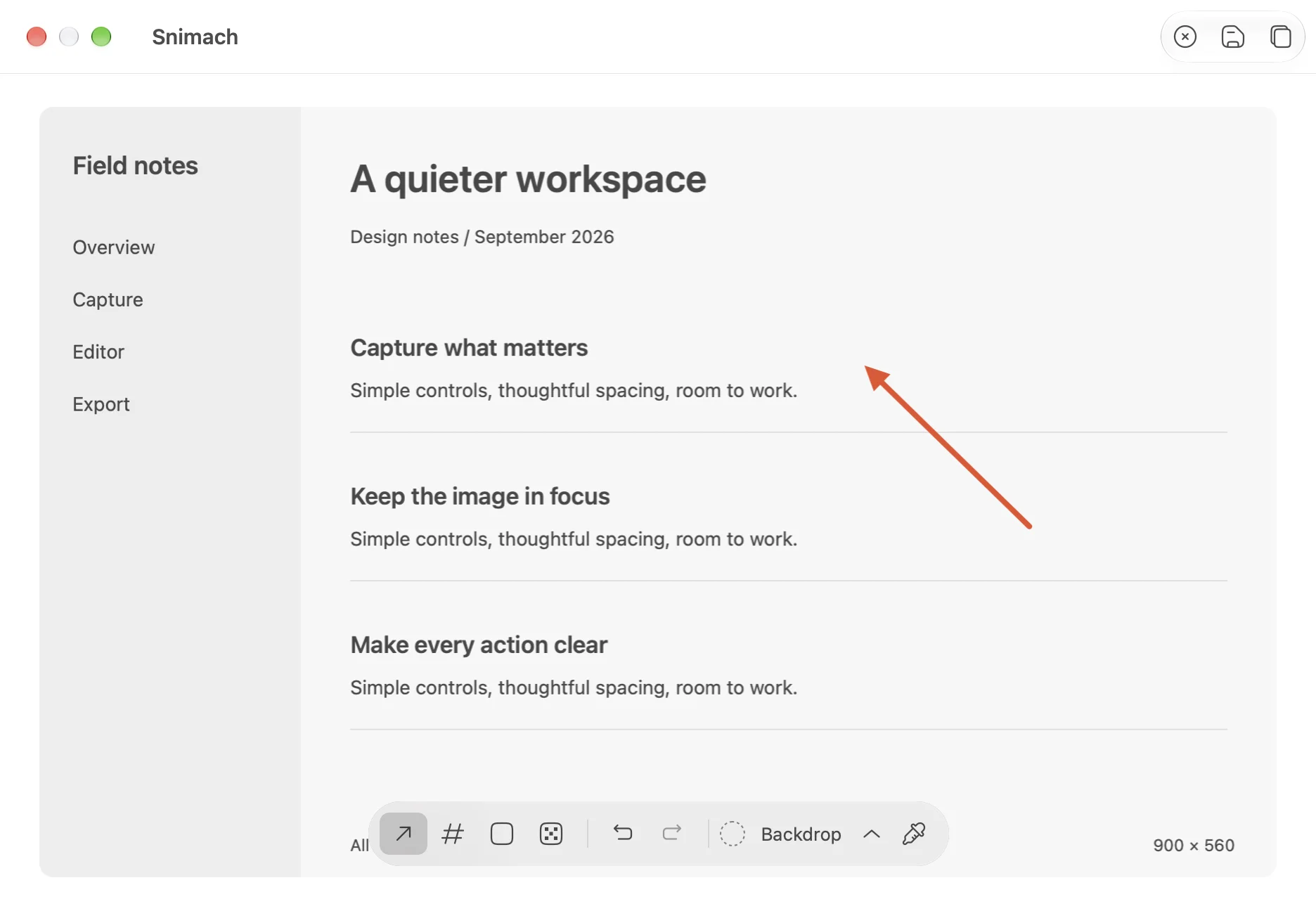
Capture with a hotkey, annotate in a small editor, and the shot is already on your clipboard.
or brew install --cask infomiho/tap/snimach
An area, the frontmost window, or the whole screen under the pointer. Shift squares an area selection and Space moves it. The shortcuts are yours to change.
Every shot is on the clipboard the moment it is taken. A small preview card fades if you ignore it and opens the editor if you click it.
Arrows, numbered badges, rectangles and pixelated redaction, with undo and redo. Enter copies and closes.
Frame a shot on a gradient preset when it is going somewhere public.
Hover to preview, click to select, copy the hex. Handy for design reviews.
Built with Swift, AppKit and ScreenCaptureKit. Free and open source.